Android 8.0+ · phones, foldables and tablets 7–13″
Scan, sign and shrink PDFs. Your documents never leave your phone.
A local-first PDF scanner with OCR and handwritten signatures. No account. No cloud. No camera permission. 3.41 MB.
Free unlimited scanning. No ads. No watermark.
Real release build · Pixel 10 Pro
Measured, not marketed.
The numbers below come from the signed release build we ship.
SCANOFFLINE / 1.0.3
3.41 MB
Release APK
Installed from the same signed build available on Google Play.
0
Camera & all-files permissions
The scanner UI is provided by Google Play services; the app never requests CAMERA.
−92%
Measured PDF compression
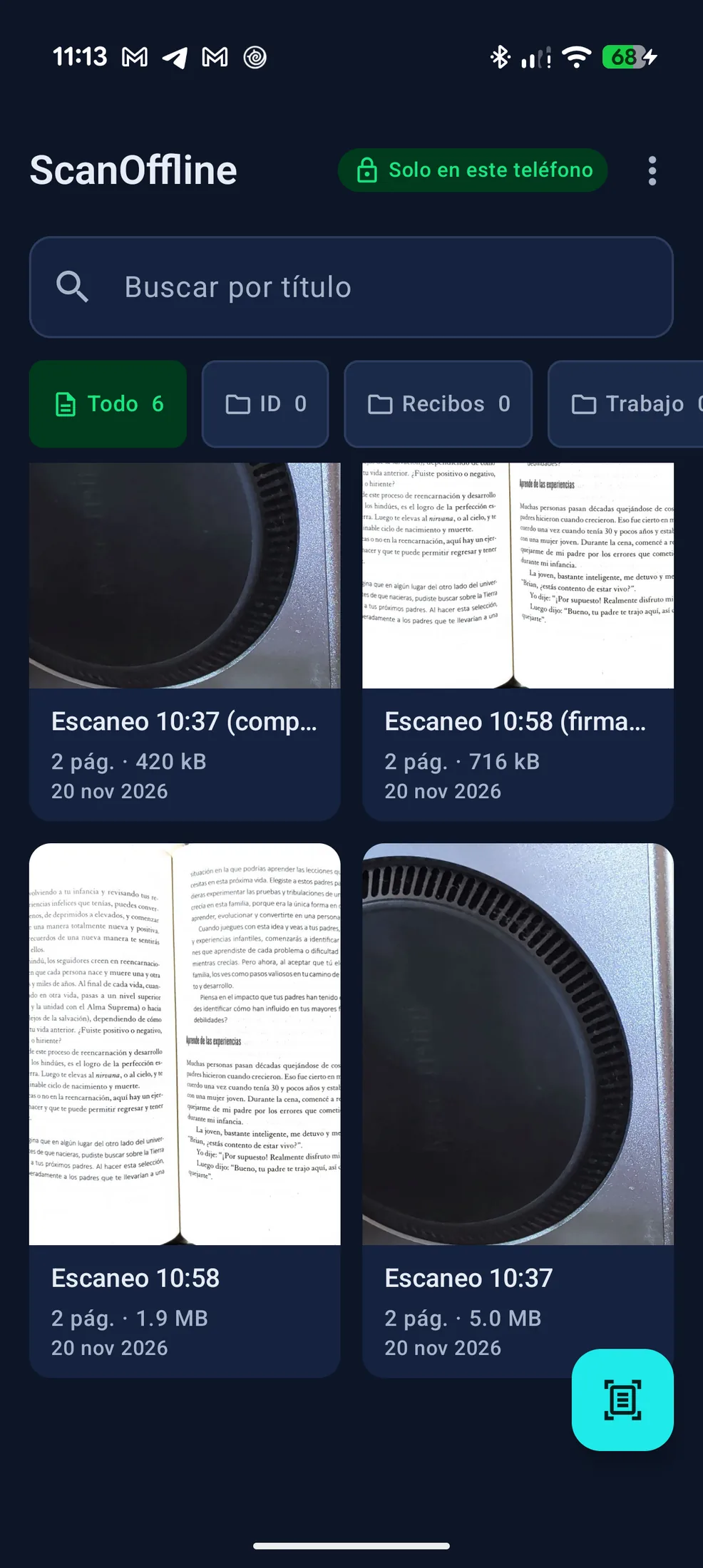
A 2-page 5.02 MB PDF reduced to 420 KB with a < 2 MB target.
Measured on a Pixel 10 Pro with ScanOffline 1.0.3 (November 2026). Compression results vary with page content.
The cloud tax
Most scanners take your paper, then ask for an account.
Your pages, someone else's server
Uploads, sync folders and retention policies you never get to inspect.
$50–60 every year
A recurring subscription for scanning, OCR and a signature you already own.
Permissions you don't need
Camera and all-files access for work that can happen entirely on-device.
Microsoft Lens is being folded into OneDrive, and cloud-first scanners now expect an account before they save a page. ScanOffline is the local alternative.
Third-party names are trademarks of their owners. Product changes and prices are outside our control; comparison checked October–November 2026.
Three steps. No upload.
The camera is handled by Google Play services. Your files stay in app-private storage.
- 01
Scan with the system scanner
ML Kit Document Scanner captures and returns the pages. ScanOffline never asks for the camera permission.
- 02
Keep it in your folders
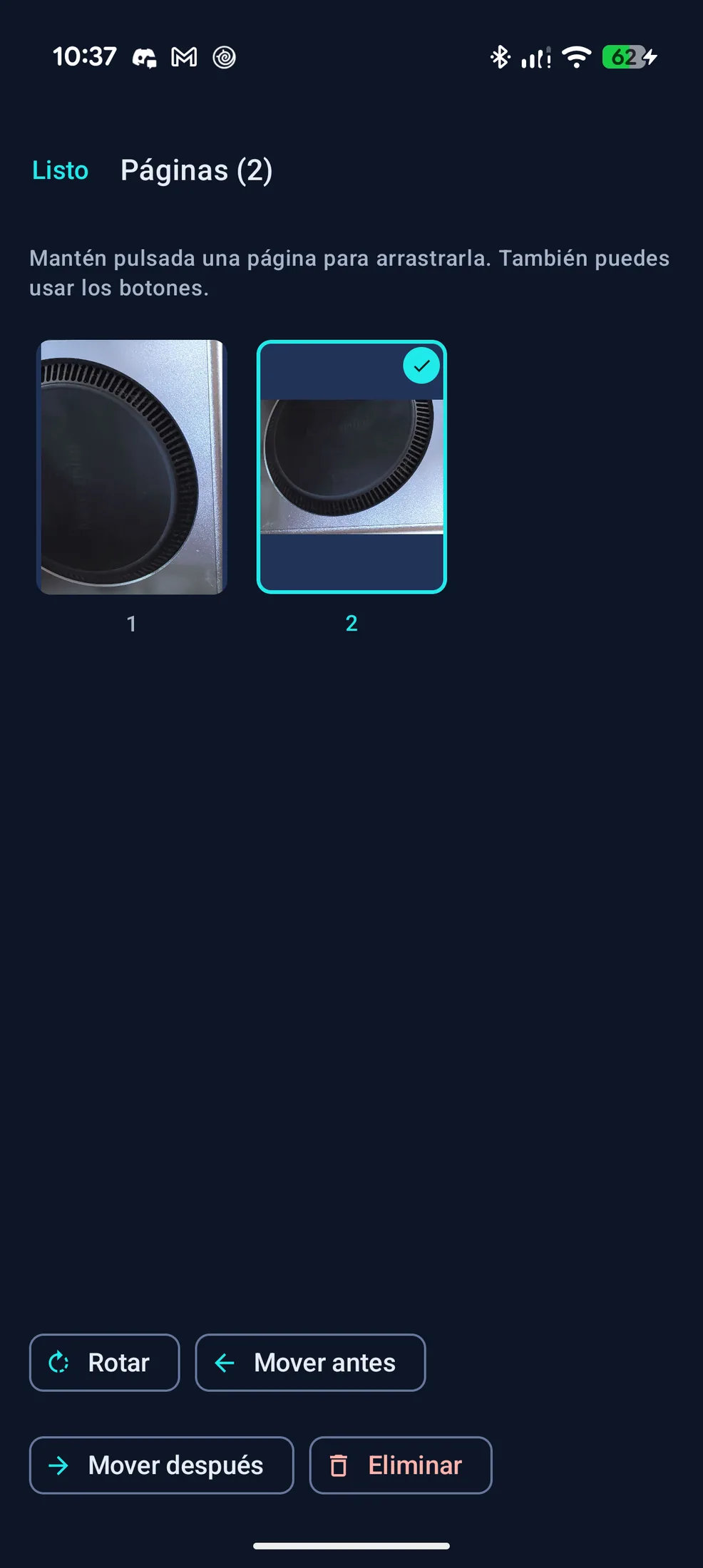
Recibos, ID, Trabajo or your own folders. Search by title, rotate, reorder and delete pages.
- 03
Export where you choose
PDF to Descargas/ScanOffline, JPG to Galería/ScanOffline, .txt, the system file picker or a native print dialog.
Free forever
The scanner is free. Actually free.
No account, no ads, no watermark, no page counter.
- Unlimited scanning
- PDF, JPG and print export
- Local folders (Recibos, ID, Trabajo + your own)
- Search by title
- Rotate, reorder and delete pages
- Light and sharpness assistant
- No ads, no watermark, no account
- Works in airplane mode after setup
Lifetime Pro
Pay once. Keep it.
One purchase unlocks every Pro tool in the 1.x line.
Free forever
$0
No account, no ads, no watermark, no page counter.
- Unlimited scanning
- PDF, JPG and print export
- Local folders (Recibos, ID, Trabajo + your own)
- Search by title
- Rotate, reorder and delete pages
Lifetime Pro
$9.99
One-time purchase in Google Play. Localized price shown at checkout.
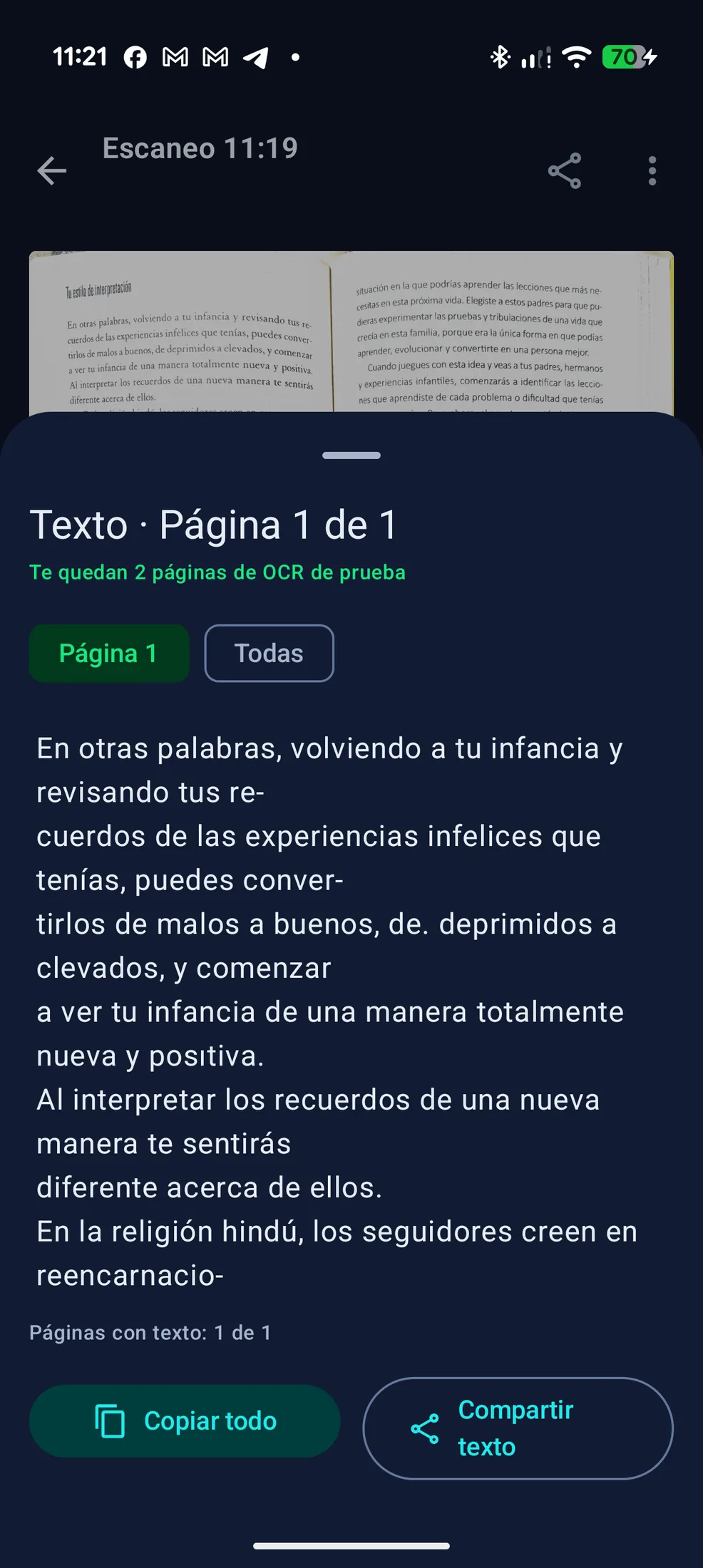
- Unlimited offline OCR, text search and .txt export
- Unlimited handwritten signatures
- Compress to < 2 MB, < 5 MB or a custom target
- Merge and split PDFs
- Biometric lock with FLAG_SECURE
- All future Pro features in the 1.x line
- Restore on any Android device with the same Google account
Try it without a card: 3 OCR pages · 3 handwritten signatures · 1 compression.
Unlock Lifetime Pro1.x is included.
Coming to your one-time 1.x paymentBuy once and every Pro feature released in the 1.x line is yours. No renewals, no upgrade fee.
- Identity-theft watermark (“Solo para trámite X”)
- Permanent redaction of sensitive data
- Two-sided INE / credential mode
- Automatic two-page book split
- Clean text-layer PDF (computer lettering)
- Offline smart renaming
- Encrypted portable .zip vault
Planned features, not dated commitments. The 1.x purchase includes them when released.
The math is simple.
A local scanner against the cloud-subscription model.
Price
ScanOffline$9.99 once
Typical cloud subscription$50–60 / year
App size
ScanOffline3.41 MB
Typical cloud subscription150+ MB typical
Account
ScanOfflineNot required
Typical cloud subscriptionRequired
Documents leave the phone
ScanOfflineNo
Typical cloud subscriptionUploaded to the cloud
Airplane mode
ScanOfflineYes, after one-time setup
Typical cloud subscriptionLimited or unavailable
OCR
ScanOfflineOn-device · 3 free pages
Typical cloud subscriptionSubscription tier
Handwritten signature
ScanOffline3 free · unlimited in Pro
Typical cloud subscriptionExtra or unavailable
Compress to a target
ScanOffline1 free · unlimited in Pro
Typical cloud subscriptionExtra
Merge and split PDF
ScanOfflineIncluded in Pro
Typical cloud subscriptionExtra
Ads and watermark
ScanOfflineNone
Typical cloud subscriptionCommon
Comparison based on consumer scanner subscriptions observed October–November 2026. Microsoft Lens, OneDrive, CamScanner and other names are trademarks of their respective owners. Third-party prices and features can change.
Honest compatibility
No mystery requirements. This is exactly what the app needs.
- Android 8.0 or newer (API 26)
- 2 GB of RAM minimum
- Google Play services installed
- Internet once: download ML Kit modules and validate purchases
- After that, airplane mode works for scanning, OCR and export
- Phones, foldables and tablets from 7″ to 13″+; split screen and landscape
- App languages: Spanish and English
Where your files go
- Descargas/ScanOffline/ — PDF and .txt
- Galería/ScanOffline/ — one JPG per page
- System file picker (SAF) and native print dialog
- No broad storage permission; MediaStore and SAF only
Privacy you can check.
Not a badge. A set of design decisions.
No account
There is no sign-up, no email capture and no developer server holding your documents.
No camera permission
The app never declares CAMERA or MANAGE_EXTERNAL_STORAGE. The scanner is Google Play services UI.
Local by construction
Pages, PDFs, OCR text and signatures live in app-private storage. Android backup is disabled.
Protected on screen
Pro’s biometric lock uses the Android Keystore and FLAG_SECURE to hide thumbnails in Recents.
Delete means delete
Delete a document in the app or uninstall it. There is no server copy to request.
Google plays a bounded role
Play services downloads ML Kit modules and processes payments; your document content is not sent to us.
Questions, answered plainly.
If something is still unclear, message us on WhatsApp.
Does ScanOffline upload my documents?
No. Pages, PDFs, OCR text and signatures stay in private app storage on your phone. We do not operate a document server. Exports leave the app only when you choose a destination.
Why does it need internet at all?
Once, to download the Google ML Kit scanner and OCR modules through Google Play services, and to validate Google Play purchases. After that, scanning, OCR, signing, compression and exports work in airplane mode.
Is the signature a digital signature?
No. ScanOffline embeds a handwritten signature image on the page. It is not a cryptographic or certified digital signature and does not verify identity.
What is free?
Unlimited scanning, PDF/JPG/print export, local folders, title search, page rotate/reorder/delete, and the light and sharpness assistant. No account, ads or watermark.
What does the $9.99 Pro unlock?
Unlimited OCR and text search, .txt export, unlimited handwritten signatures, compression to a target, merge/split PDF, biometric lock, and every Pro feature released in the 1.x line.
How do I restore my purchase?
Open Settings or the Pro screen and tap “Restore purchase”. Google Play returns the entitlement to any device signed into the same Google account.
How do refunds work?
Google Play processes the payment and the refund. Use Google Play’s refund flow or contact [email protected] and we will help you locate it.
Does it work on tablets and foldables?
Yes. The interface adapts from small phones to 13″+ tablets, split screen and landscape. Android 8.0+, 2 GB RAM and Google Play services are required.
Where are my exported files?
PDF and .txt in Descargas/ScanOffline; JPG pages in Galería/ScanOffline. You can also pick any folder with the system file picker or print directly.
How accurate is the OCR?
It is on-device text recognition, not a guarantee. Sharp, well-lit pages work best. Review the text before relying on it for contracts or filings.
Pay once. It's yours.
Unlock every Pro tool for $9.99. Keep the free scanner forever.

No subscription. No renewals. Local by design.